Banners
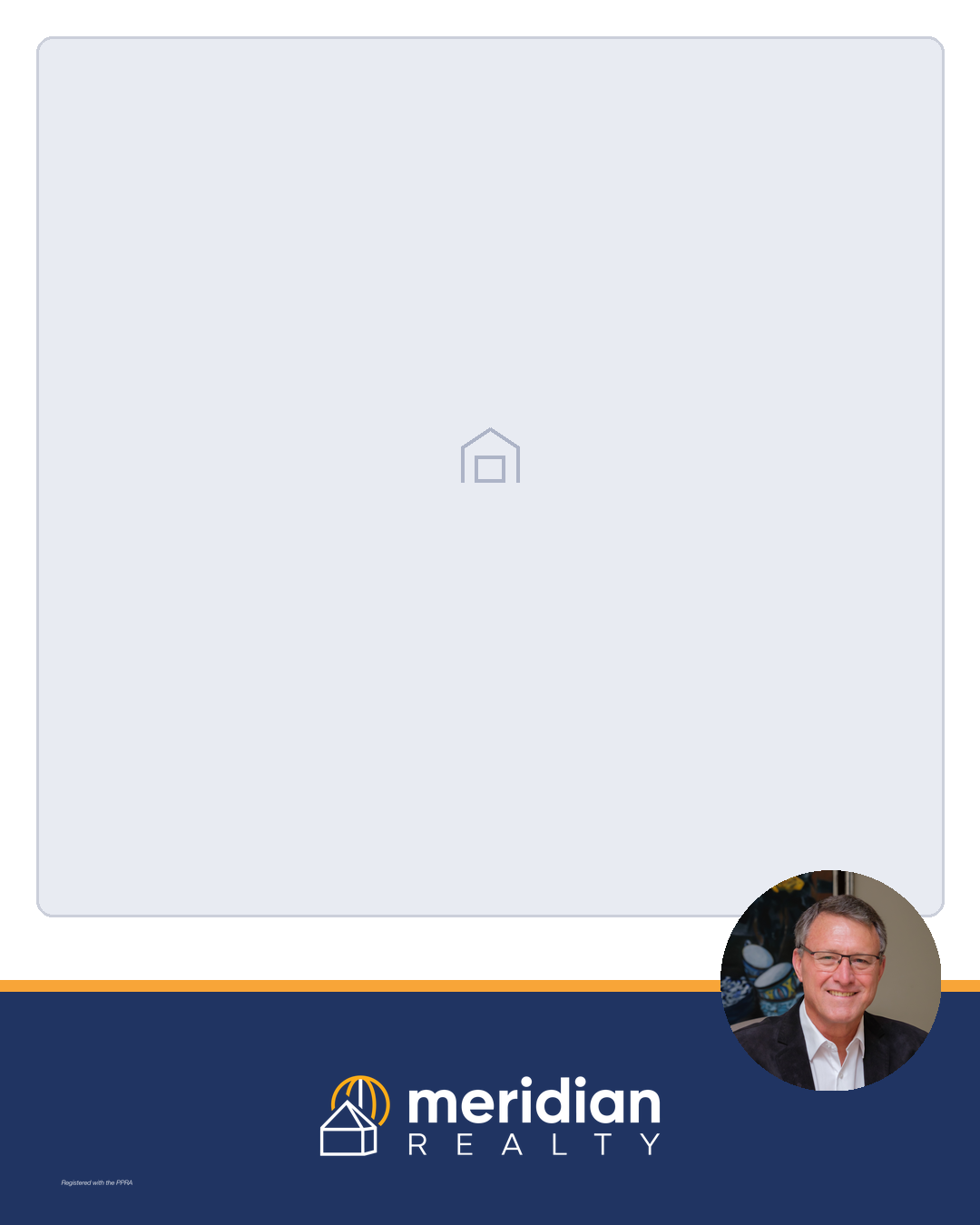
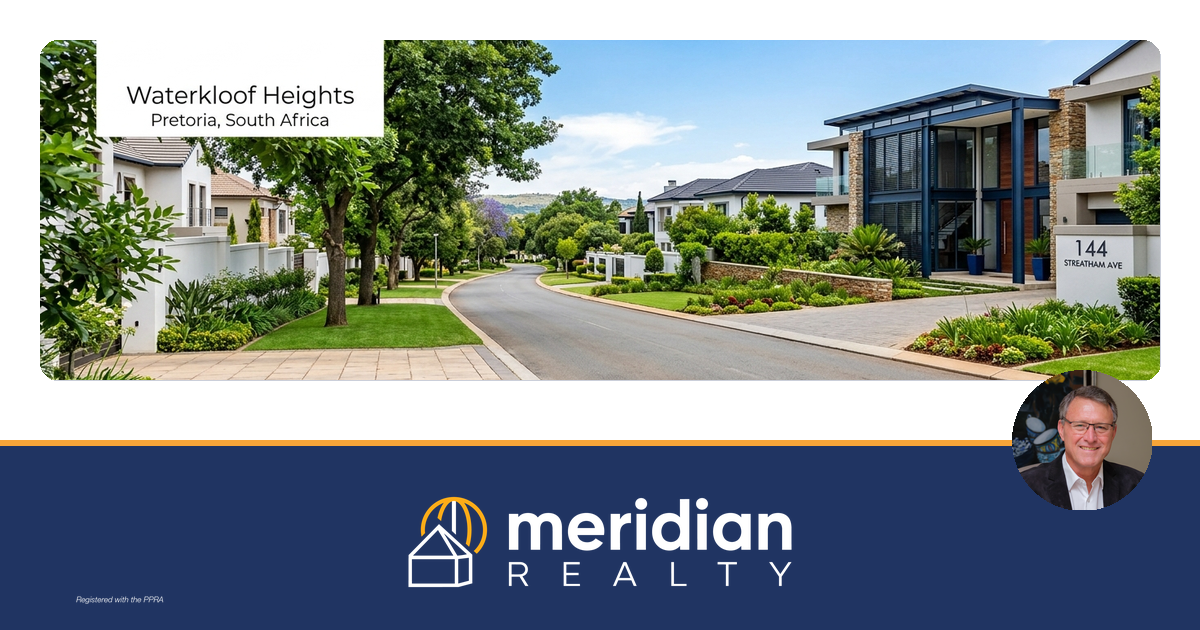
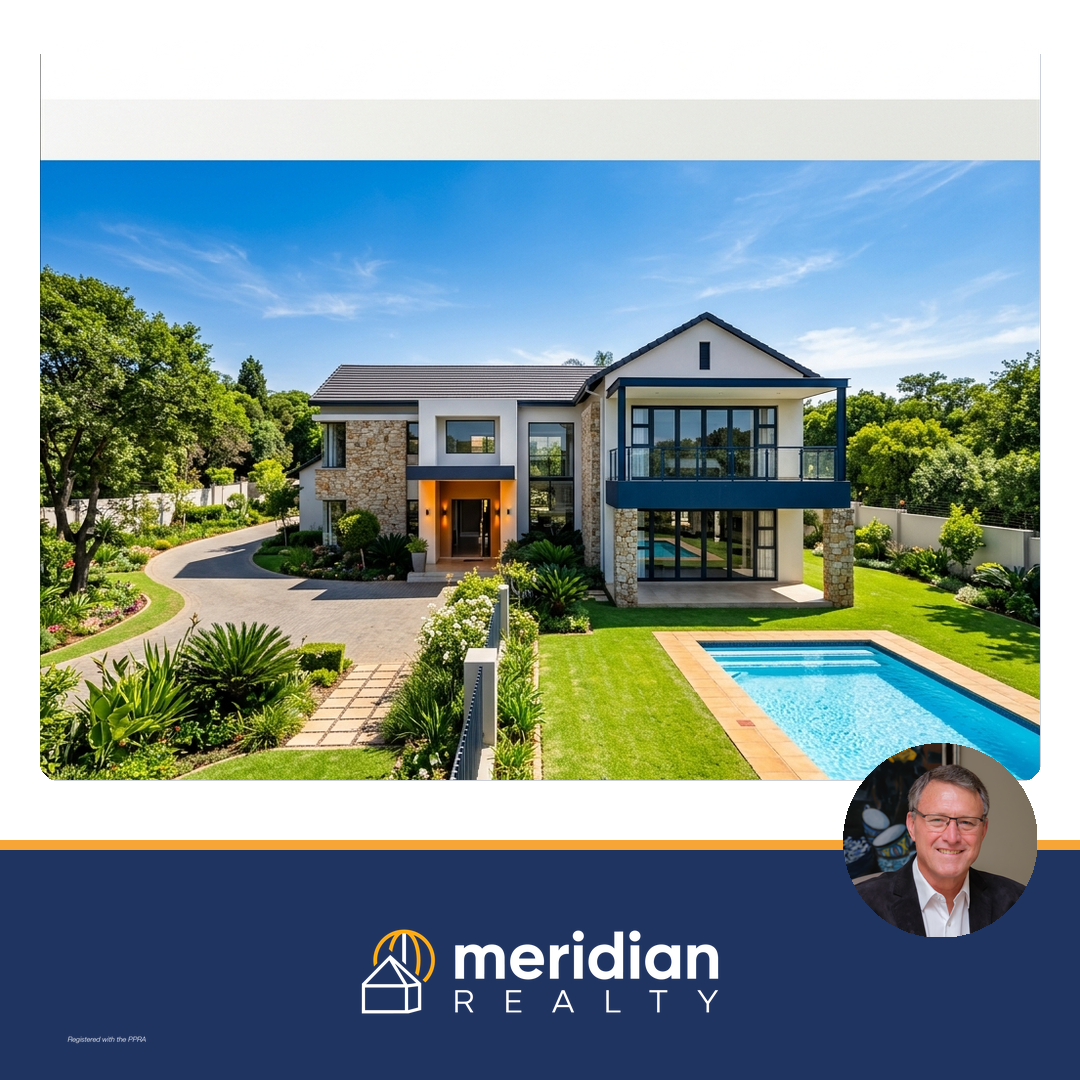
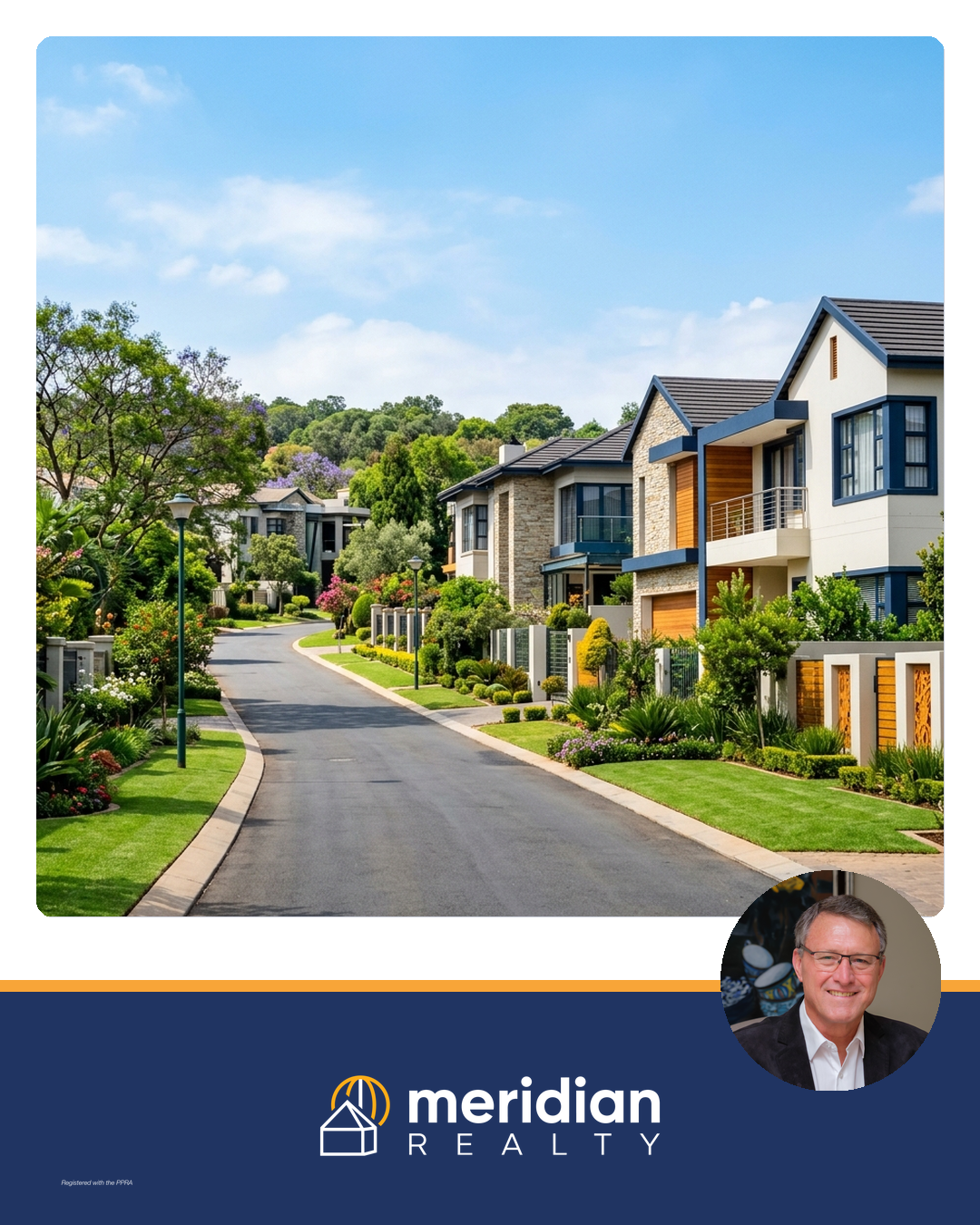
The reusable no-text brand frame for social posts: a light image well on top where the post picture (or AI image) is dropped, and a fixed navy brand band at the bottom with the yellow accent line, the white Meridian logo centred, the PPRA stamp in a corner and Sebastiaan's bust photo as a yellow-ringed badge overlapping the band edge. Text-free by design, so one frame scales across every size.
Built by build_banner_concept.py (and compose_article_banner.py for a one-off image).
| File | Size | Type |
|---|---|---|
| meridian-banner-concept-1200x630.png | 1200×630 | concept — empty well, house icon placeholder |
| meridian-banner-concept-1080x1080.png | 1080×1080 | concept — empty well |
| meridian-banner-concept-1080x1350.png | 1080×1350 | concept — empty well |
| meridian-banner-demo-1200x630.png | 1200×630 | demo — Pretoria skyline in the well |
| meridian-banner-demo-1080x1080.png | 1080×1080 | demo — Waterkloof image in the well |
| meridian-banner-demo-1080x1350.png | 1080×1350 | demo — Menlo Park image in the well |
| businesstech-young-buyers-1200x630.png | 1200×630 | article banner — young-buyers post (Businesstech article, Sep 2026) |



Rules
- Logo variant is background-driven:
colour-dark(white artwork) on the navy band — see the naming trap in Logo Usage. - Logo never in a top corner; PPRA stamp in a corner, separate from the logo.
- Bust badge: pre-crop a square from the 4000×6000 photo first (never resize the full frame into the badge — it stretches the face), badge ≥ 18% of canvas height.
- After regenerating, pixel-check the output: band =
32,52,98, accent line =248,165,56, well no longer the placeholder tint232,235,242.